
Check email addresses in Gmail
About to contact someone new? Paste the address in the Gmail side panel and see whether it is valid, invalid or unknown, with the reason and the risk indicators, before you send.
On Google Workspace Marketplace · Connect with your Google account, no API key · 200 free verifications on new accounts
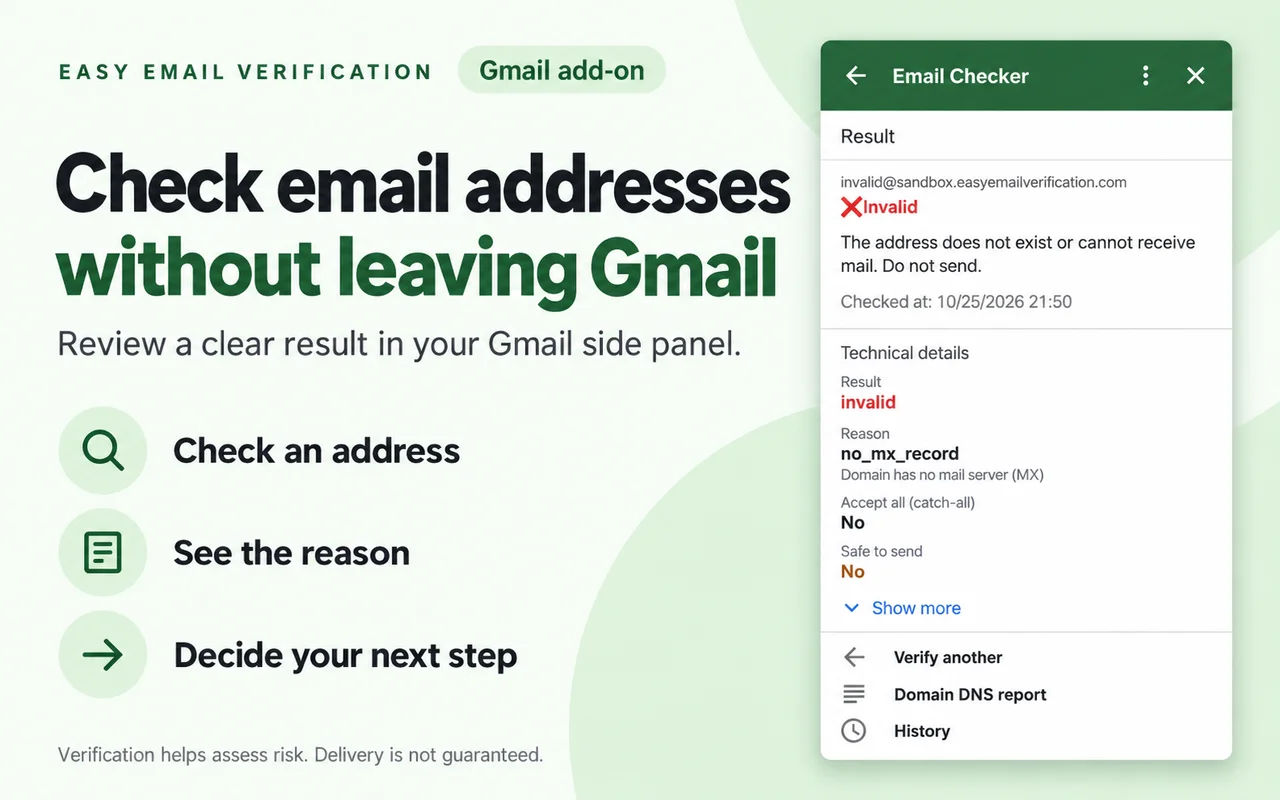
The result in the Gmail side panel, with the reason and Safe to send
How to check an email address in Gmail
Install and open
Install the add-on from Google Workspace Marketplace and open Email Checker in the Gmail side panel. Refresh Gmail if the icon does not appear.
Paste the address and verify
Connect your Google account when asked, paste one email address and click Verify. It uses 1 credit per address verified, and recent results are reused at no cost.
Review before sending
Read the result, the reason and the risk indicators, and decide whether to send. The history keeps your latest checks.
The check covers syntax, domain and MX records, the mail server and the mailbox when the server allows it, plus disposable, catch-all, role-based and free-provider addresses and suggested corrections for common domain typos. A result is guidance, not a delivery guarantee.
What to do with each result
Unknown is not invalid: it means no reliable conclusion was reached about that mailbox. What every result and reason means.
| In the add-on | What it means | What to do before sending |
|---|---|---|
valid | The mail server accepted the address. | Check the risk indicators and Safe to send before sending. |
invalid | The address or its domain does not exist, or the server rejected it. | Do not send. Check the address with your source. |
unknown | The mailbox could not be confirmed: timeout, block or error. It does not mean invalid. | Check again later. |
accept_all | Catch-all domain: it accepts any address. The result is unknown. | Decide by how much you trust the source of the address. |
Did You Mean | A likely typo, with the suggested correction. | Check the suggested address before sending. |
A simple rule: do not send to invalid, and look at the reason and risk indicators of everything that is not marked safe to send.
For the address you are about to write to
Without leaving Gmail
The check happens in the side panel, next to your inbox.
History and balance
See your latest checks and your credit balance, and open the dashboard to manage your account and connected apps.
Have a whole list?
The Gmail add-on checks one address at a time. For lists, use the Google Sheets add-on or bulk email verification.
FAQ
Is the Gmail add-on free?
Installing it costs nothing, and new accounts get 200 free verifications. After that, verifications use the credits or allowance of your Easy Email Verification account. See plans and credits.
Does it send an email to the address?
No. The verification asks the receiving mail server and stops before any message is sent.
Do I need an API key?
No. You connect with your Google account.
Can I verify a list in Gmail?
No, it checks one address at a time. Use the Google Sheets add-on, the Excel add-in or bulk email verification.
In which languages is the add-on?
English, Português, Español, Italiano, Deutsch and Français.
Check the address before you send
Add Email Checker to Gmail, connect your Google account and check your first address.
Get the Gmail add-on